Web Designer Portfolio

IT

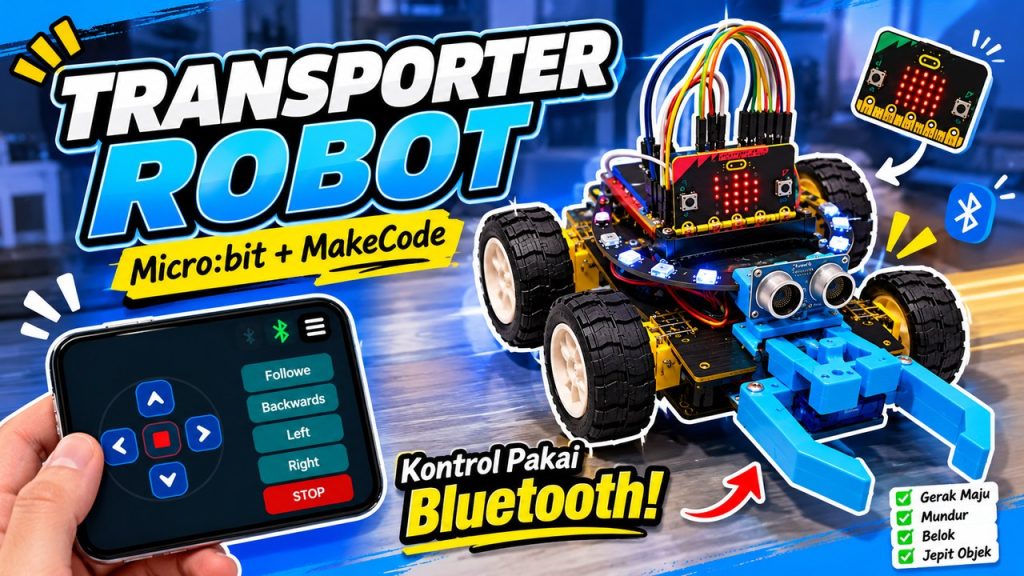
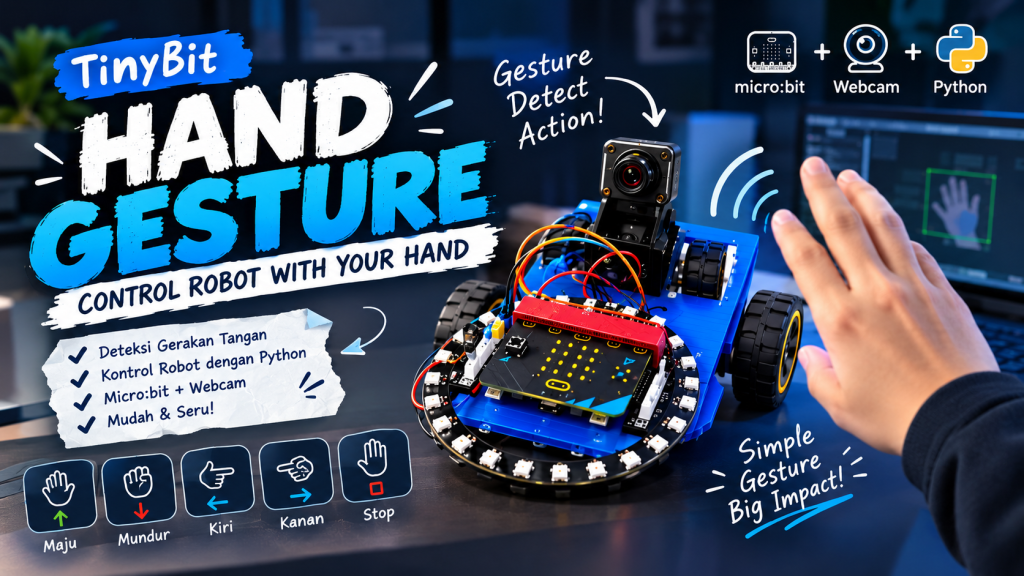
transporter robot youtube thumbnail
IT

Transporter Robot

Robotic Project IT Hand Gesture Hand Gesture is an AI-powered robotics project that uses a webcam and Teachable Machine to recognize hand gestures. The prediction is processed using Python and sent to the BBC micro:bit through Bluetooth, allowing the robot to respond to different hand movements. The robot can move forward, backward, turn left, turn right, or stop depending on the recognized gesture. This project combines AI, machine learning, Python programming, and robotics to create an interactive control system. https://youtu.be/qD3h-tXTFtU?si=FLwOJwhdq1kULCEB
it presentation make a design with
ENGLISH, IT

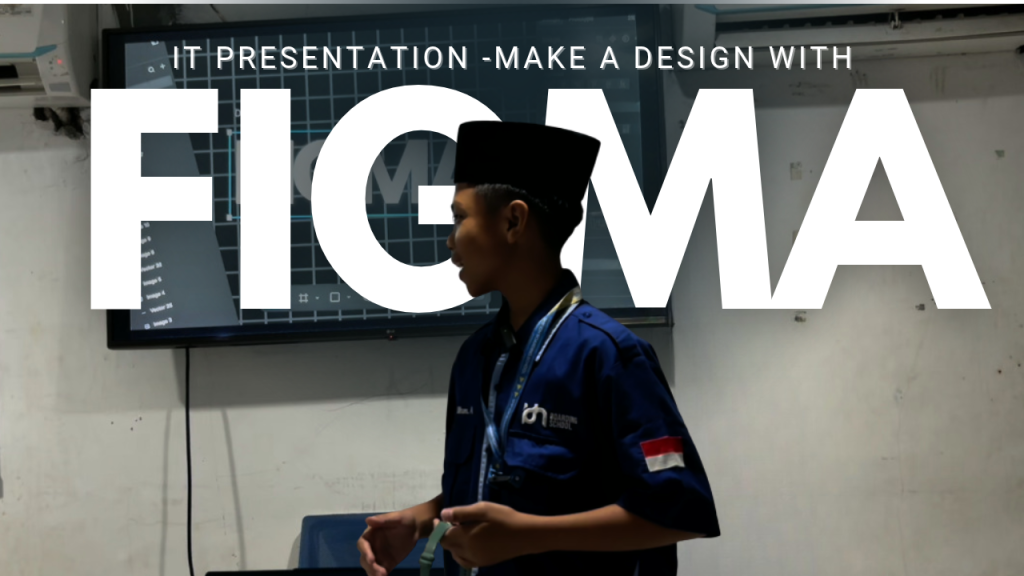
IT Video Tutorial – Make a Design With Figma

IT Video Tutorial IT Presentation – Make A Design With Figma This project focuses on learning how to design using Figma, a digital design tool for creating websites and applications. In this project, we explore Figma’s features, tools, and interface. We also learn about layout, colors, typography, and prototyping to create creative, attractive, and user-friendly designs. Through this project, we improve our design skills, creativity, and understanding of modern UI/UX design. https://youtu.be/-4tEszN8diU

chatgpt image oct 14, 2026, 04 06 41 pm
IT

Hand gesture

Robotic Project IT Hand Gesture Hand Gesture is an AI-powered robotics project that uses a webcam and Teachable Machine to recognize hand gestures. The prediction is processed using Python and sent to the BBC micro:bit through Bluetooth, allowing the robot to respond to different hand movements. The robot can move forward, backward, turn left, turn right, or stop depending on the recognized gesture. This project combines AI, machine learning, Python programming, and robotics to create an interactive control system. https://youtu.be/qD3h-tXTFtU?si=FLwOJwhdq1kULCEB
IT

Multimedia – Visual Merchandise

IT Project Multimedia Visual Merchandise This merchandise design uses a minimalist concept with an outdoor adventure theme that represents freedom and exploration. The black T-shirt features a combination of cream and gold colors, creating an elegant look. The front displays a small HORIZON logo, while the back features an illustration of mountains, the sun, and trees, along with the text “EST. 2026” and “BEYOND THE LAST TRAIL.” In addition to the T-shirt, the design includes an Eid Mubarak greeting card with a combination of green, yellow, and cream colors. The front features a mosque-shaped illustration, a crescent moon, and stars, creating a warm Islamic atmosphere. Meanwhile, the back of the card has a simpler design with a decorative crescent moon. Both merchandise designs focus on color harmony, composition, and visual identity. The T-shirt is designed to look modern and suitable for everyday wear, while the Eid Mubarak greeting card can be used to share holiday greetings with family, friends, and loved ones.

summarizing
IT

Summarizing Story – The Two Farmers And The Well

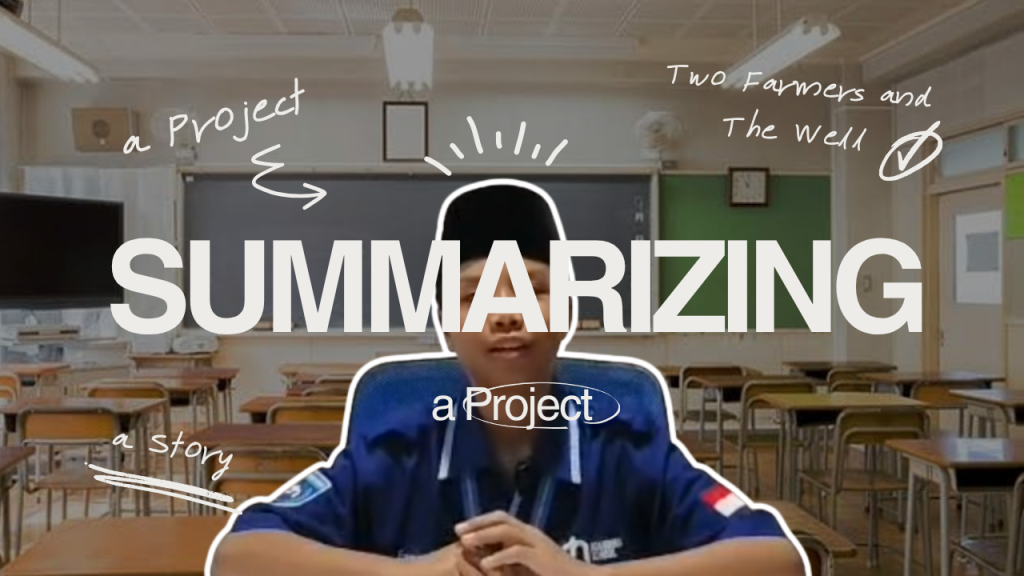
English Project Summarizing Summarizing Story – The Two Farmers And The Well This project is about summarizing a story called “Two Farmers and the Well.” The story tells about two farmers, Mr. Hasan and Mr. Budi, who face a problem during a dry season. Their farms become dry, so they decide to dig a well to get water. After the well is finished, they argue about who owns the water. The problem is brought to the village leader, who decides that the well should be used fairly. From this story, we learn about the importance of sharing, fairness, honesty, and solving problems peacefully. https://youtu.be/S3jrrBpHJC4

earn
IT

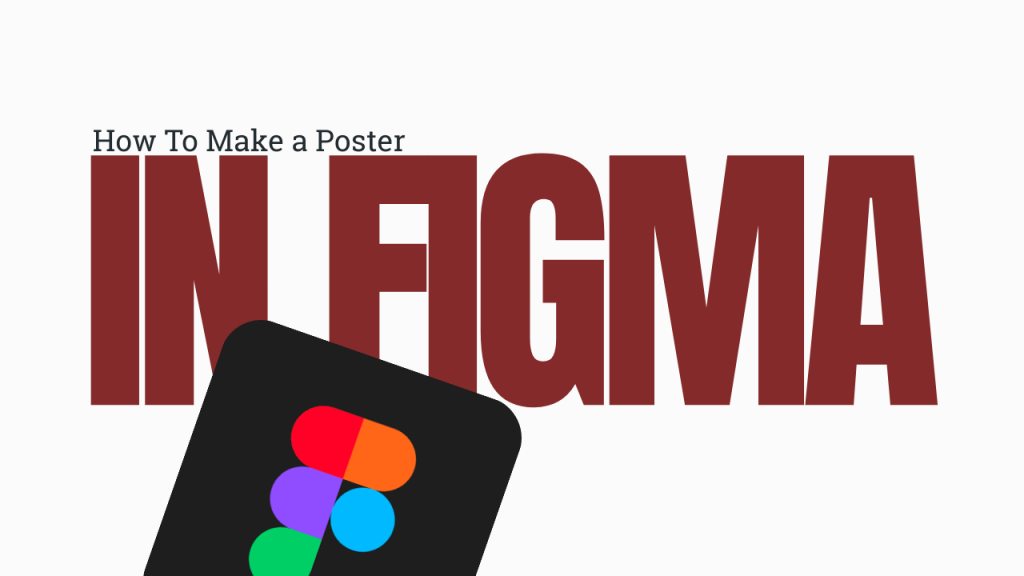
IT Tutorial – How To Make a Poster In Figma

IT Tutorial Tutorial IT Tutorial – How To Make A Poster In Figma This IT Tutorial Project is a video tutorial that shows how to create a poster using Figma. The video explains the process step by step, starting from creating a frame, adding text and images, choosing colors, and arranging design elements. It is made to help beginners understand the basic features of Figma and learn how to create a simple, attractive, and well-organized poster. https://youtu.be/HhyxJitotqg?si=MxW6ip0mTl20FPt7

IT

Multimedia – Carousel(Shoes)

Multimedia Project Carousel Carousel This IT Tutorial Project is a video tutorial that teaches viewers how to create a poster using Figma. The video is created to help beginners understand the basic features and tools available in Figma while learning the process of designing a poster from the beginning. It also introduces simple design techniques that can make a poster look more attractive and organized. The tutorial explains the poster-making process step by step, starting from creating a new frame and setting the appropriate size. It then covers how to add and edit text, insert images, create shapes, choose suitable colors, adjust fonts, and arrange every element properly. Each step is explained clearly so viewers can follow the tutorial while creating their own poster. Through this project, viewers can improve their digital design skills and become more familiar with Figma. The tutorial also encourages students to be more creative when combining text, images, colors, and other elements. By the end of the video, viewers are expected to understand the basic workflow of Figma and be able to create a simple, creative, and well-organized poster independently.

bluetooth controler
IT

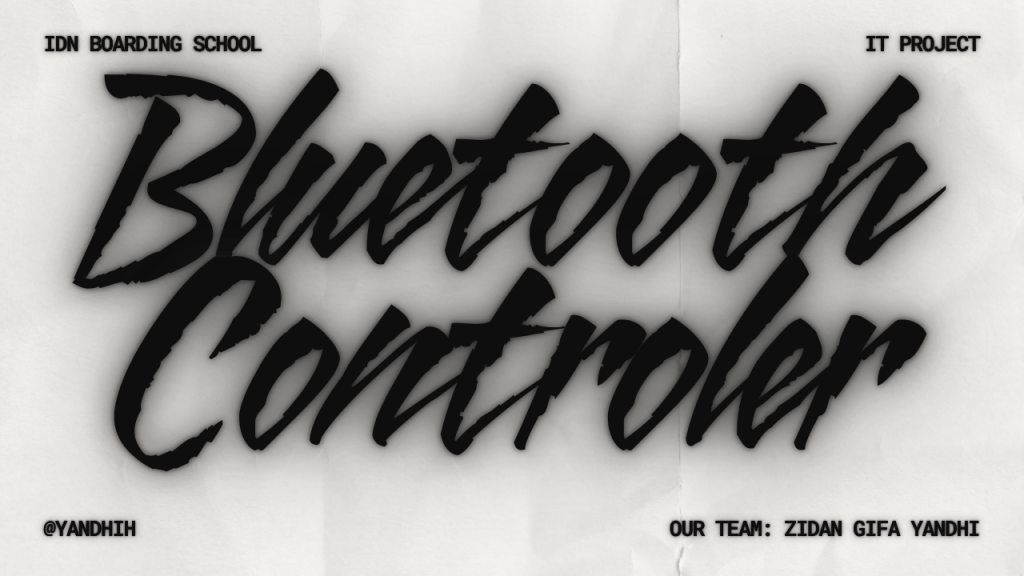
Bluetooth Controller

Robotic Project IT Bluetooth Controller Bluetooth Controller adalah robot roda berbasis micro:bit yang dapat dikendalikan melalui HP menggunakan koneksi Bluetooth. Robot ini menggunakan motor DC untuk bergerak maju, mundur, kiri, dan kanan, serta memiliki tombol stop untuk menghentikan robot. Project ini dibuat untuk belajar robotika dan pemrograman dengan cara yang interaktif, sekaligus memahami cara kerja komunikasi Bluetooth antara aplikasi dan micro:bit. https://youtu.be/d74yaW4GnIw

IT

Design Poster

Multimedia Project Design Poster Design Illustration In this multimedia project, I designed a promotional poster for a coffee and beverage brand using Affinity Designer. I used Affinity Designer because it has many useful tools for creating posters, editing images, adding text, and arranging design elements. The purpose of this project was to practice graphic design and create an attractive advertisement poster. I created the poster by using vector shapes, images, and text elements. First, I arranged the background and imported product images into the design. Then I added promotional text, price information, logos, and decorative elements such as coffee beans and labels. I used layers, shadows, and different font sizes to make the poster look clear, attractive, and easy to read. This project was quite difficult because I had to arrange many design elements in one poster. Choosing the right colors, fonts, and layout took a lot of time and attention to detail. Even though it was challenging, I learned how to create a more professional promotional poster and improved my skills in using Affinity Designer.

IT

Design Illustration

Multimedia Project Design Illustration Design Illustration In this multimedia project, I created an illustration of my own photo using Affinity Designer. I used Affinity Designer because it has useful tools for creating digital illustrations and vector artwork. The purpose of this project was to learn how to use the software and improve my design skills. I made the illustration by using vector shapes. First, I imported my photo into Affinity Designer as a reference. Then I traced the main objects such as the person, rocks, trees, and mountains using the Pen Tool and other vector tools. I also used layers and simple colors to make the illustration look clean and similar to the original photo. This project was quite difficult because every part of the illustration had to be created manually. It took a lot of time, patience, and attention to detail. Creating the vector shapes and choosing the right colors was challenging, but I learned many new skills and became more confident in using Affinity Designer for digital illustration.      

Scroll to Top