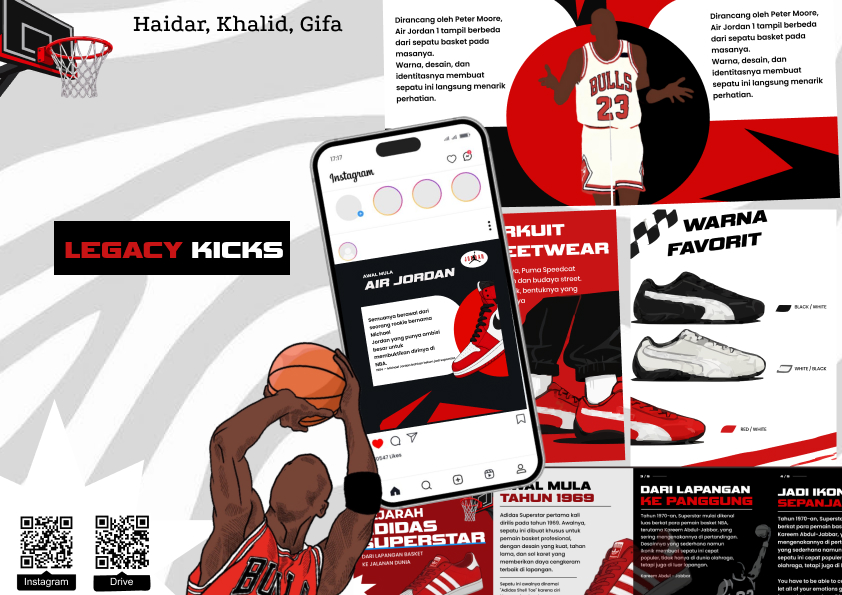
Carousel
This IT Tutorial Project is a video tutorial that teaches viewers how to create a poster using Figma. The video is created to help beginners understand the basic features and tools available in Figma while learning the process of designing a poster from the beginning. It also introduces simple design techniques that can make a poster look more attractive and organized.
The tutorial explains the poster-making process step by step, starting from creating a new frame and setting the appropriate size. It then covers how to add and edit text, insert images, create shapes, choose suitable colors, adjust fonts, and arrange every element properly. Each step is explained clearly so viewers can follow the tutorial while creating their own poster.
Through this project, viewers can improve their digital design skills and become more familiar with Figma. The tutorial also encourages students to be more creative when combining text, images, colors, and other elements. By the end of the video, viewers are expected to understand the basic workflow of Figma and be able to create a simple, creative, and well-organized poster independently.